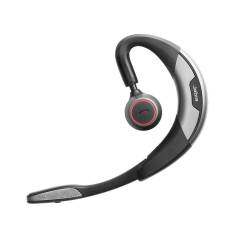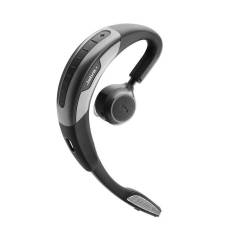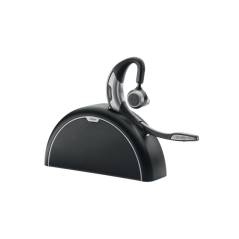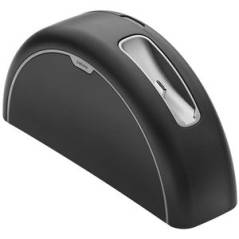
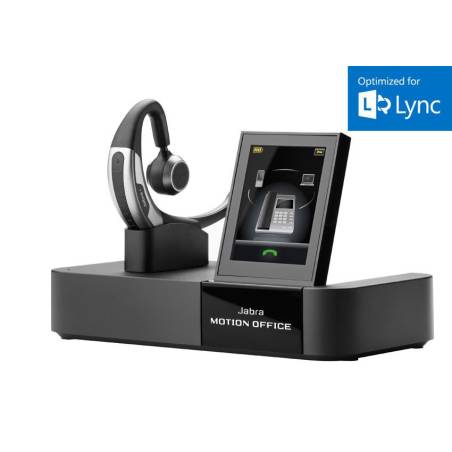


JABRA Motion Office MS Bluetooth-Headset
With Jabra Motion Office MS, the conversation - not the technology - is the focus. It has innovative features that adapt to your surroundings and movements. Connect all of your phones with a headset and transfer calls between phones while you're out of the room. Enjoy particularly long talk times with outstanding call quality and outstanding convenience up to a range of 50m (with a clear view of up to 100m).
ONE HEADSET FOR ALL YOUR PHONES
It allows multiple phones to be connected so you can stay connected to all of your phones using the same headset. It transfers calls from your desk phone or PC softphone to your smartphone and continues your call even if you leave the room.
SIMPLE AND INTUITIVE CALL CONTROL
Integrated sensors ensure that you never miss a call. When incoming calls are detected, the headset will automatically answer them and automatically adjust their volume to suit the environment. Answer the calls with voice commands or use the retractable microphone boom.
OUTSTANDING CONVERSATION QUALITY AND DURATION
Experience crystal clear call quality no matter where you are - even in noisy, windy environments. The intuitive "Power Nap" mode ensures that the headset is shut down when it is not in use, in order to extend the duration of the conversation.
OPTIMAL COMFORT THROUGH INDIVIDUAL ADAPTATION
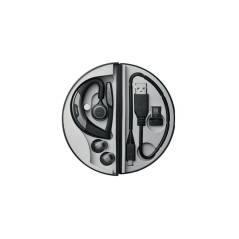
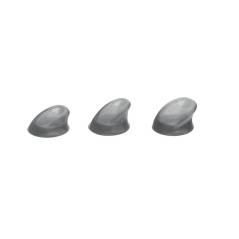
The unique design allows you to adjust the height of the speaker cabinet arm for maximum convenience. In addition, three ear gel attachments are included in the scope of delivery for a perfect fit.
HOT DESKING
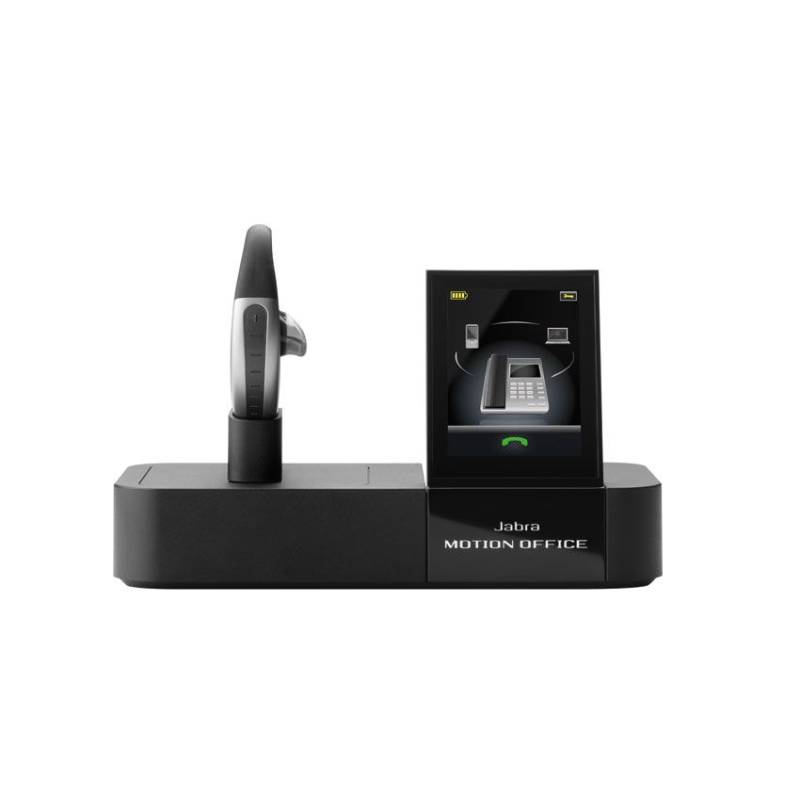
With Jabra Motion Office MS, several employees can use the same base station at different times. Just plug your headset into any Jabra Motion Office base and you're ready to go.
WIRELESS RANGE OF UP TO 100 METERS - THE BEST DEVICE IN ITS CLASS
Don't you want to be tied to your desk anymore? Secure the freedom of being able to move freely in the office within a range of 50m (with a clear line of sight up to 100m) from your telephone without having to put the call on "hold".
MICROSOFT LYNC
This version is optimized for Microsoft Lync and thus enables these additional features in connection with a Microsoft Lync client:
JABRA Motion Office MS Bluetooth-Headset